uv in 2026: Why It Replaces pip, conda, and pyenv (With Decision Framework)
uv is a Rust-based Python package manager that is 10-100x faster than pip. This guide compares uv vs pip vs conda vs pyenv with benchmarks, a decision flowchart, and a 5-minute quickstart.
PythonuvPackage Managementpipconda
1720 Words
2026-04-10

Python’s biggest pain point has never been the language itself — it is the tooling around it.
Every Python developer has a horror story: pip install that silently broke another project’s dependencies, pyenv install that failed after five minutes of compilation because of a missing system library, or a requirements.txt that worked on one machine but not another. The root cause is fragmentation: pip handles installation, virtualenv handles isolation, pyenv handles versions, pip-tools handles locking — four tools that were never designed to work together.
uv changes this equation. Built in Rust by Astral (the team behind Ruff), uv unifies package installation, virtual environment management, Python version management, and dependency locking into a single tool that runs 10-100x faster than pip. As of April 2026, it pulls 75 million monthly downloads on PyPI, surpassing Poetry, and is becoming the default installer in CI environments. My position: for any new Python project in 2026, uv should be your starting point.
The Problem: Python’s Fragmented Toolchain
Before comparing tools, it helps to understand why Python packaging is so painful. There are four distinct problems that need solving in any Python project:
- Package installation — downloading and installing third-party libraries (pip’s job)
- Environment isolation — keeping Project A’s Flask 2.0 from conflicting with Project B’s Flask 3.0 (virtualenv/venv’s job)
- Version management — running Python 3.9 for one project and 3.12 for another on the same machine (pyenv’s job)
- Dependency locking — ensuring every developer and CI server installs the exact same package versions (pip-tools/Poetry’s job)
The traditional approach assigns one tool per problem. The result is a Rube Goldberg machine where pyenv-installed Python sometimes is not found by pip, virtualenv environments sometimes are not recognized by conda, and pip freeze dumps direct and transitive dependencies into an indistinguishable mess.
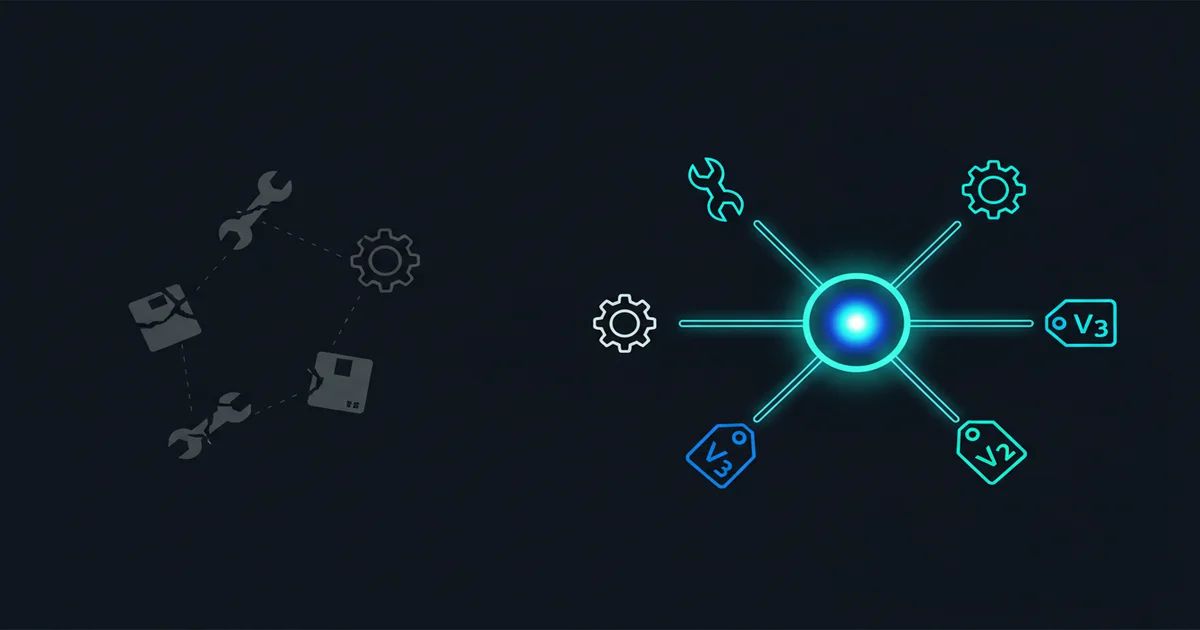
uv takes a different approach: one tool, all four problems. And because it rewrites the entire dependency resolution and installation pipeline in Rust, it is not just more convenient — it is dramatically faster.
Head-to-Head: uv vs pip vs conda vs pyenv
Speed: An Order of Magnitude, Not a Marginal Improvement

The Real Python benchmark tells the story clearly. Installing JupyterLab: pip took 21.4 seconds, uv completed in 2.6 seconds — an 8x speedup. For a typical requirements.txt with moderate dependencies: pip needed 9.97 seconds, uv finished in 2.17 seconds.
Three architectural decisions explain this gap. First, parallel downloads — pip downloads packages sequentially, while uv fetches them concurrently. Second, global caching — uv maintains a system-wide cache so a package downloaded for one project does not need to be re-downloaded for another. Third, Rust-native performance — the dependency resolver itself runs orders of magnitude faster than Python-based implementations.
In CI/CD pipelines, this difference compounds. If your team runs 50 builds per day and each build spends 30 seconds on dependency installation with pip, switching to uv saves roughly 20 minutes of pipeline time daily. That adds up over a month.
conda sits between the two in speed. Its resolver handles a more complex problem (non-Python packages with system-level dependencies), so it cannot match uv’s raw throughput. mamba (conda’s C++ accelerated resolver) is faster than conda but still slower than uv for pure Python packages.
pyenv does not install packages, but its approach to installing Python itself deserves mention. pyenv compiles Python from source — a process that takes 3-5 minutes per version and frequently fails due to missing system libraries (openssl, libffi, readline). uv downloads pre-built Python binaries: 2.71 seconds for PyPy 3.8, with consistent behavior across operating systems.
Feature Coverage: One Tool vs Five
| Capability | pip | virtualenv | pyenv | pip-tools | conda | uv |
|---|---|---|---|---|---|---|
| Package installation | Yes | No | No | No | Yes | Yes |
| Virtual environments | No | Yes | No | No | Yes | Yes |
| Python version management | No | No | Yes | No | Yes | Yes |
| Lock file | No | No | No | Yes | No | Yes |
| Script/tool execution | No | No | No | No | No | Yes (uvx) |
| Non-Python dependencies | No | No | No | No | Yes | No |
The critical takeaway: uv covers every capability except non-Python dependency management — which is precisely conda’s core value proposition. For everything else, uv is a single-tool replacement.
Dependency Hygiene: pip’s Hidden Landmine
This is the issue many developers do not realize until it bites them. When you pip install flask, pip installs Flask plus its transitive dependencies: Werkzeug, Jinja2, MarkupSafe, and others. When you later pip uninstall flask:
pip uninstall flask  # removes only Flask itself
# Werkzeug, Jinja2, MarkupSafe remain as orphaned "ghost dependencies"
Over time, your environment accumulates packages with unclear provenance. pip freeze dumps them all into requirements.txt without distinguishing direct from transitive dependencies. This is why “works on my machine” remains Python’s most enduring meme.
uv handles this differently:
uv add flask          # records Flask as a direct dependency in pyproject.toml
uv remove flask       # automatically removes orphaned transitive dependencies
uv sync               # installs exactly what uv.lock specifies — identical on every machine
The uv.lock file records precise versions and hashes for every package. uv sync produces a deterministic result regardless of the machine it runs on. This is not a novel concept — Node.js has had package-lock.json for a decade. Python’s ecosystem is finally catching up.
Decision Framework: Which Tool Should You Use?
Rather than an abstract comparison, here is a concrete decision path:
Step 1: Does your project need CUDA, cuDNN, ffmpeg, or other non-Python system libraries?
- Yes → Use conda or mamba to create the base environment with system-level dependencies, then use uv inside that environment for Python packages. This hybrid approach is the 2026 best practice for data science and machine learning.
- No → Proceed to Step 2.
Step 2: Are you maintaining a legacy codebase (10+ years) with accumulated dependency debt?
- Yes → Try uv first. If uv’s strict resolver surfaces dependency conflicts that the legacy
pip freezeoutput ignored, fall back to pip. Older pip versions silently tolerate version conflicts that uv correctly flags. - No → Proceed to Step 3.
Step 3: Use uv. You do not need pyenv. You do not need virtualenv. You do not need pip-tools. uv handles all of it.
The risk of this strategy is near zero — migrating away from uv back to traditional tools is straightforward at any point.
5-Minute Quickstart
Install uv
# macOS / Linux
curl -LsSf https://astral.sh/uv/install.sh | sh

# Windows PowerShell
powershell -ExecutionPolicy ByPass -c "irm https://astral.sh/uv/install.ps1 | iex"
No PATH configuration needed, no terminal restart required.
Create a New Project
uv init my-project     # generates pyproject.toml
cd my-project
uv add flask requests  # creates venv, installs packages, generates uv.lock
uv run python app.py   # runs within the virtual environment
Three commands. Compare the traditional workflow: python -m venv .venv && source .venv/bin/activate && pip install flask requests && pip freeze > requirements.txt && python app.py — five commands, with manual requirements management.
Install a Specific Python Version
uv python install 3.12           # downloads Python 3.12 in ~3 seconds
uv init --python 3.12 my-project # creates project pinned to 3.12
Compare pyenv: pyenv install 3.12.0 (3-5 minutes of compilation, potential system library errors), then pyenv local 3.12.0, then manual virtual environment creation.
Run One-Off Tools Without Installing
uvx ruff check .       # run Ruff linter without global installation
uvx black .            # run Black formatter
uvx jupyter lab        # launch Jupyter Lab
uvx is equivalent to pipx run but faster due to global caching.
Migrate From an Existing requirements.txt
uv init my-project
cd my-project
uv add -r requirements.txt  # imports existing dependencies
uv sync                     # installs and generates lock file
Your original requirements.txt remains untouched. Rollback is trivial.
Where uv Falls Short (Honest Assessment)
Every tool comparison that only lists advantages is useless. Here is where uv genuinely cannot help you today:
Non-Python dependencies are the biggest gap. If your project requires CUDA 11.8, cuDNN 8.9, ffmpeg, or any C/C++ system library, uv has no mechanism to manage them. conda’s core value is not Python package management — it is packaging system-level dependencies into cross-platform conda packages. This is irreplaceable for deep learning and scientific computing workflows. The practical recommendation: use conda exclusively for system dependencies, and uv for everything Python.
Enterprise environments may need validation. uv has not released a v1.0 (latest is v0.11.x as of April 2026). Some corporate procurement processes gate on version numbers. Additionally, uv’s offline capabilities are not fully mature — in air-gapped networks, you may encounter limitations.
Cache disk usage grows over time. One user reported 20GB+ after a year of use. While uv cache clean resolves this instantly, it is worth noting for disk-constrained CI runners.
GitHub Dependabot does not support uv.lock yet. If your security workflow depends on Dependabot scanning dependency vulnerabilities, uv’s lock file format is not yet recognized. This is a real blocker for security-conscious production deployments.
Astral is venture-backed — a legitimate concern. History has examples of VC-funded companies that later monetized open ecosystems aggressively. However, uv is MIT-licensed, providing a community escape hatch. Astral’s track record with Ruff has been exemplary in open-source stewardship so far. The risk exists but should not be the primary factor in your tooling decision.
Pre-built Python binaries run ~3% slower than system-compiled versions due to the lack of hardware-specific optimizations. For most applications this is negligible, but high-performance computing workloads should benchmark.
The Bottom Line
Python’s packaging chaos has persisted for over a decade. pip, virtualenv, pyenv, pip-tools, Poetry, Pipenv, conda — each tool solves a fraction of the problem, but none lets you learn one tool and handle everything.
uv is the first tool that genuinely achieves this. It is not “a better pip” — it is a unified, fast, and well-designed experience for everything Python packaging should have been from the start.
My recommendation is simple: try uv first. If it does not solve your problem (which is rare), revert to your previous tools. The migration cost is near zero, but the upside — in speed, developer experience, and reproducibility — is immediate.
Related Reading
- Conda Guide: How to Manage Multiple Python Versions and Environments - Deep dive into conda for when you need non-Python dependency management
- uv Official Documentation - Complete reference for all uv commands and features
- A Year of uv: Pros, Cons, and Should You Migrate - Thorough one-year review by a professional Python developer
- uv vs pip - Real Python - Detailed benchmark comparison with code examples
- uv GitHub Repository - Source code and latest releases
Comments
Join the discussion — requires a GitHub account